Accessibility is more than a Lighthouse score

Yamila FigueroaWebxya
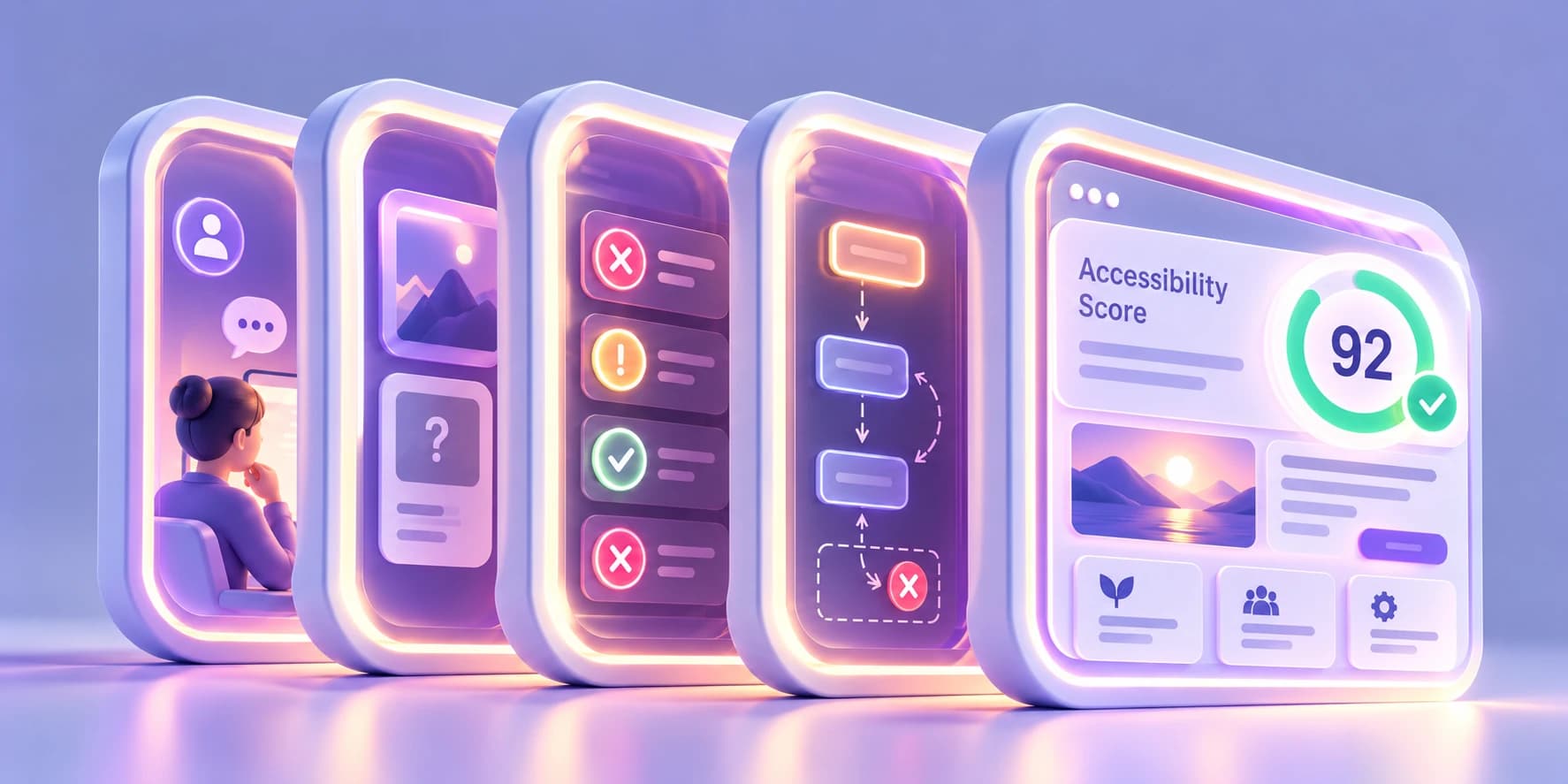
A high Lighthouse accessibility score is useful, but it is not a full evaluation. What automated testing detects, what it misses, and what else to test.
Introduction
A Lighthouse accessibility score can be reassuring. A team runs the audit, the page returns 100, and every scored check is green. At that point, it is easy to read the result as a broader statement about the product: the site is accessible.
That is not quite what the number says.
Lighthouse is useful because it can inspect a page quickly and consistently. It applies a defined set of automated checks, flags patterns that are known to create barriers, and can be run again whenever the product changes. For development teams, that repeatability is one of its strengths.
The limitation is simply one of scope. The score reflects the accessibility audits Lighthouse is able to score automatically. Manual audits do not contribute to the number, and Google is explicit that even a score of 100 does not guarantee that a page is accessible.
That distinction matters because automated testing and accessibility evaluation are not the same thing. A tool can inspect code and recognizable technical patterns. A full evaluation also has to consider sequence, context, meaning, interaction, and whether people can actually use the experience as intended.
A Lighthouse score of 100 means the page passed the automated accessibility audits included in that score. It does not mean the page has been fully evaluated for accessibility.
This article looks at what a Lighthouse accessibility score represents, where automated testing is especially valuable, where its limits begin, and what a more complete accessibility testing process looks like.
If you want to see the kinds of barriers these methods are intended to uncover, start with The most common accessibility problems we find on websites.
What Lighthouse actually tests
Lighthouse does not measure accessibility as a percentage of the overall experience.
Its score is calculated from a defined set of automated audits. Each scored audit passes or fails, and those results are combined using different weights based on their estimated impact.
So a score of 92 should not be read as "this website is 92% accessible." It means the page achieved a particular result across the Lighthouse accessibility audits that were applicable and included in the scoring model.
Those checks can inspect technical conditions such as whether certain interactive elements have accessible names, whether ARIA attributes are valid for their roles, whether some structural relationships are expressed correctly, and whether particular contrast failures can be detected programmatically.
Lighthouse also includes manual audit guidance for questions that automation cannot resolve. Those checks are useful, but they do not affect the numerical score.
The number therefore answers a relatively narrow question:
How did this page perform against the automated accessibility audits Lighthouse can score?
It does not answer the much broader one:
Can people with different disabilities successfully perceive, understand, navigate, and operate the experience?
| Lighthouse accessibility score | Accessibility evaluation |
|---|---|
| Summarizes automated scored audits | Combines multiple forms of evaluation |
| Detects defined technical patterns | Examines behavior, context, and meaning |
| Fast and repeatable | Deeper and more interpretative |
| Useful for regression prevention | Useful for understanding real barriers |
| Does not demonstrate WCAG conformance by itself | Can contribute to a WCAG conformance assessment |
The two are not competing approaches. A mature accessibility practice uses both.
What automated accessibility tools are good at
Automation is strongest when a condition can be defined clearly enough for software to inspect it reliably.
If a page contains dozens of buttons and some of them have no accessible name, a tool can often detect that pattern faster than a person reviewing every control manually. If the same implementation mistake appears across hundreds of pages, automated scanning can reveal its scale. If a code change removes a relationship that was previously valid, a check in CI can catch the regression before it reaches production.
This is where automated accessibility testing earns its place: it is fast, repeatable, consistent, and capable of running at a scale that would be impractical to reproduce manually.
Teams can use it during development, on pull requests, in continuous integration, after component changes, and across large collections of pages. W3C similarly notes that evaluation tools can save time, help identify potential barriers, and support different roles throughout design and development.
The important point is not that automation is weak. It is that some accessibility questions cannot be expressed reliably as automated rules in the first place.
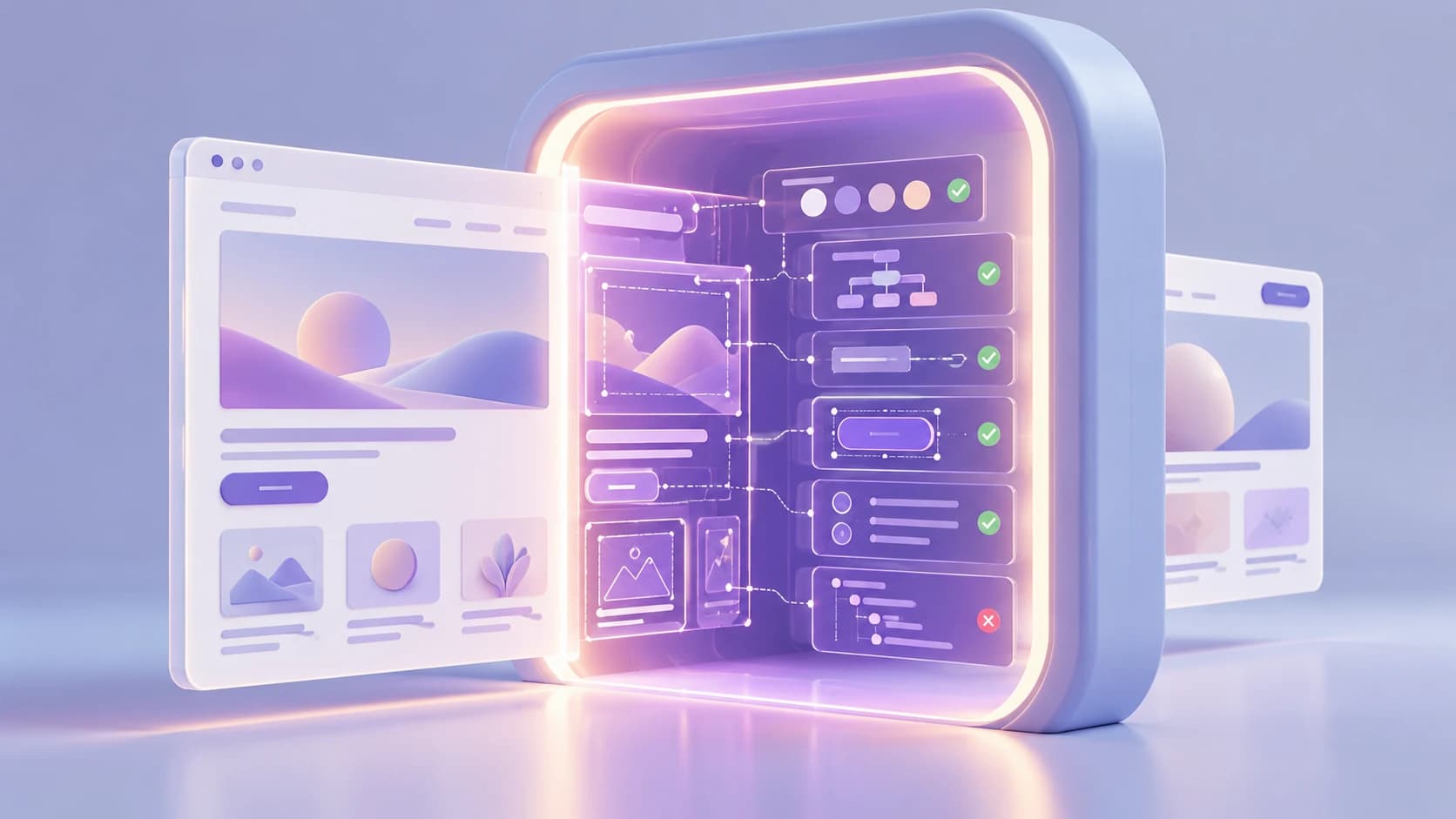
Automated tools are valuable because they can inspect defined technical conditions quickly and consistently, but their field of analysis is intentionally limited.
What automated tools cannot understand
The boundary becomes clearer once the question shifts from whether something exists or satisfies a technical rule to whether it makes sense in context.
Meaningful alt text
A scanner can identify an image without an alt attribute and flag some alternatives that are obviously suspicious. What it cannot reliably decide in every case is whether the description communicates what matters about the image in that particular context.
A photograph used decoratively may need no spoken description at all. The same photograph in an article about architectural details may need a meaningful one. A chart may require information about its data rather than a literal inventory of shapes and colors.
The technical presence of alt text is therefore only part of the question. Its usefulness depends on why the image is there.
Logical reading order
Software can inspect the DOM, semantics, and accessibility tree, but an experience can still become confusing when the order in which information is encountered no longer reflects the intended sequence.
Modern layouts often rearrange content across breakpoints. Components expand and collapse, modals appear, and new content may be inserted dynamically. In those situations, the only way to understand whether the sequence feels coherent may be to move through the interface as a user would.
Understandable language
A field can have a technically correct label and still leave someone unsure what information is expected. An error message can be associated correctly with an input and still fail to explain how to recover. Instructions can satisfy structural requirements while remaining unnecessarily difficult to follow.
Software can analyze certain linguistic characteristics, but it cannot reliably determine whether a message is clear enough for its intended audience.
Sensible focus behavior
An automated test may be able to determine that an element can receive focus. That tells us very little about whether focus moves to the right place after an interaction.
When a modal closes, does focus return to the control that opened it? When new content appears, does the person understand where they are? If someone tabs through a complex interface, does the sequence follow the logic of the task or jump unpredictably between unrelated controls?
These questions are about behavior over time, not simply the presence of a focusable element.
Context
Many accessibility decisions depend on relationships between elements.
A link labelled "Learn more" may be understandable in one paragraph and ambiguous when repeated across a grid of cards. A button may have a technically valid accessible name but still be confusing in the context of the task. A heading may exist semantically and yet fail to describe the section it introduces.
The surrounding experience changes what "correct" means.
Interaction quality
This is perhaps the largest gap.
Tools do not become disoriented when focus moves unexpectedly. They do not struggle to interpret a complicated authentication flow. They do not need to remember information from three steps earlier or decide whether a workflow is unnecessarily demanding.
A product can therefore pass many technical checks and still create significant barriers in use.
This is where accessibility begins to overlap with usability and user experience. As we explored in Accessibility, usability and user experience: what's the difference?, satisfying technical requirements and creating a good experience are related goals, but they are not interchangeable.
Passing automated tests doesn't mean passing WCAG
Many Lighthouse audits relate directly to areas covered by WCAG. Passing them is useful evidence, but it does not demonstrate WCAG conformance.
In WCAG explained without the technical jargon, we described success criteria as testable requirements. The important distinction is that testable does not mean automatically testable.
Some requirements can be assessed largely through software. Others depend on human judgment, and many require a combination of both. W3C is clear on this point: evaluation tools can support accessibility assessment, but no single tool can determine whether a site meets accessibility standards.
Conformance also involves more than producing a clean report. The scope of the evaluation matters, as do the applicable success criteria, the conformance level being claimed, and whether those requirements are satisfied throughout the content being assessed.
This becomes especially important when a Lighthouse report is presented to stakeholders as evidence of compliance. It can support an accessibility review, but it is not, by itself, an accessibility audit or a WCAG conformance report.
Accessibility requires different kinds of testing
A stronger process does not replace automation with one other method. It combines several forms of evaluation because each one reveals something different.
Automated testing
Automated checks are ideal for repeatable technical conditions. They can identify common detectable issues, scan many pages quickly, catch regressions, and provide immediate feedback during development.
This is the layer that should run often. Obvious machine-detectable problems should not have to wait for a specialist to discover them manually.
Manual inspection
Manual review adds interpretation.
A knowledgeable reviewer can assess whether headings reflect the real content structure, whether alt text is meaningful, whether labels and instructions provide enough information, whether responsive changes preserve content, and whether the page still makes sense as a coherent whole.
It is also where warnings from automated tools can be investigated rather than accepted or dismissed without context.
Keyboard testing
Using the interface without a mouse reveals behavior that static inspection can easily miss.
Can every interactive control be reached? Is the focus indicator visible? Does focus move in a logical order? Can someone enter and leave complex components? Do menus, dialogs, and custom controls work without pointer input?
W3C's preliminary accessibility checks include exactly these kinds of questions because they require actual interaction with the page.
Assistive technology testing
Assistive technology testing looks at how the implementation is exposed through the tools people use to access digital products.
Depending on the product and the scope of the review, that may include screen readers, screen magnification, voice input, or other interaction methods.
The aim is not merely to confirm that a screen reader announces something. The more useful question is whether roles, names, states, relationships, navigation, and changes in the interface are communicated in a way that supports real use.
User testing
People with disabilities can reveal barriers that neither an automated tool nor an expert review surfaces in the same way.
They bring their own strategies, expectations, assistive technologies, and ways of completing tasks. Watching those interactions can expose friction a product team did not know to look for.
User testing also has limits. A small number of participants cannot represent every disability, technology, context, or interaction strategy. W3C therefore recommends combining user involvement with standards-based evaluation rather than treating either as a substitute for the other.

Accessibility evaluation becomes more complete when automated checks are combined with manual inspection, interaction testing, assistive technologies, and real user experience.
Use automation as a safety net, not a verdict
The strongest role for automated accessibility testing is not at the end of a project, when someone wants a number that confirms the work is finished. It is throughout the product lifecycle.
Run automated checks while components are being built. Run them when code changes. Run them before deployment. Use them to prevent known problems from returning and to scan at a scale that would be impractical manually.
Then use the time automation saves on the questions it cannot answer.
This is also why accessibility should be part of web design from day one. Testing works best when it belongs to a broader accessibility practice that begins with design decisions and continues through implementation, content, quality assurance, and real-world use.
A serious accessibility audit should make its methodology clear. It should distinguish findings produced automatically from those identified through manual review, explain what was tested with keyboard and assistive technologies, define the scope of the evaluation, and be explicit about what was not tested.
That kind of transparency is far more useful than a single score.
The goal is not to replace Lighthouse. It is to put Lighthouse in the right place: one valuable layer in a much larger accessibility practice.
A score can tell you what a tool found. A proper accessibility evaluation has to tell you something more important: whether people can actually use the product.
- Web Accessibility
- WCAG
- Accessibility Testing
- Automated Testing
Keep reading

NGOs do not need to solve every accessibility issue at once. Start with critical services, set a baseline, stop creating new barriers and build a roadmap.
Accessibility
Accessibility debt: the problem nobody talks about
Accessibility debt builds up when an inaccessible decision repeats across components, content, code and processes. The longer it spreads, the more it costs.
If these challenges sound familiar, let’s talk about your context.
Start a conversation