What is web accessibility and why does it matter?

Yamila FigueroaWebxya

Web accessibility means more people can perceive, understand, navigate and use a digital experience, whatever their abilities or conditions.
Introduction
Web accessibility is often introduced through technical terms such as WCAG, screen readers, keyboard navigation or contrast requirements. Those concepts matter, but they can make accessibility seem more complicated than it really is.
At its core, web accessibility is about whether people can use a digital product.
The World Wide Web Consortium describes web accessibility as the practice of designing and developing websites, tools and technologies so that people with disabilities can perceive, understand, navigate, interact with and contribute to the web.
That definition is useful because accessibility is sometimes misunderstood as creating a separate version of a website for people with disabilities. In practice, the goal is the opposite: to create one digital experience that can accommodate a wider range of ways of seeing, hearing, moving, understanding and interacting.
A website may appear perfectly usable to one person while presenting significant barriers to another. A navigation menu may work well with a mouse but be impossible to use with a keyboard. A video may communicate important information visually but exclude someone if captions are missing. A form may look straightforward while becoming confusing when labels, instructions or errors are not properly communicated.
Accessibility asks us to consider those differences from the beginning.
What web accessibility actually means
A useful way to think about accessibility is to focus on what someone needs to do on a website.
They need to perceive the information being presented, understand it, move through the interface and interact with the elements required to complete a task.
If the design or implementation prevents someone from doing any of those things, an accessibility barrier exists.
This can happen in many ways. Important information may rely only on color. Images may lack meaningful text alternatives. Interactive elements may not receive keyboard focus. Forms may have unclear labels or error messages. Content may become difficult to use when text is enlarged.
These problems show why accessibility is broader than visual design. It involves content, structure, interaction, code and the behavior of the interface itself.
It also explains why accessibility cannot be solved by adding a single feature or installing an “accessibility mode.” The work has to be considered throughout the product.
Who benefits from accessible websites?
Web accessibility is specifically concerned with removing barriers for people with disabilities. That focus is essential.
At the same time, many accessible design practices also improve experiences for people whose limitations are temporary or situational. W3C notes that accessibility can also benefit older users, mobile users, people with temporary impairments and people using the web in difficult environments.
Permanent disabilities
People may experience visual, hearing, motor, cognitive, neurological or learning disabilities that affect how they use digital products.
Some users rely on screen readers, magnification, captions, keyboards, voice control or other assistive technologies. Others may need clearer content structures, predictable interactions or more time to complete tasks.
The important point is that there is no single “disabled user.” People use technology in different ways, and accessible design needs to support that diversity.
Temporary limitations
A person's abilities can change temporarily.
Someone with a broken arm may struggle to use a mouse. A person recovering from eye surgery may need larger text or stronger contrast. Someone who has lost their glasses may temporarily experience many of the same barriers as a person with low vision.
Accessible interfaces are more flexible because they do not assume that every user can interact in exactly the same way.
Situational limitations
Sometimes the environment creates the limitation.
Captions are essential for many deaf and hard-of-hearing users, but they are also useful in a noisy place or somewhere audio cannot be played. Strong contrast can help a person with low vision and someone trying to read a phone outdoors in bright sunlight. Larger touch targets are useful for people with motor impairments and also for anyone using a device one-handed.
These broader benefits do not replace the disability-focused purpose of accessibility. They simply show that designing for a wider range of human needs often creates a more adaptable product.
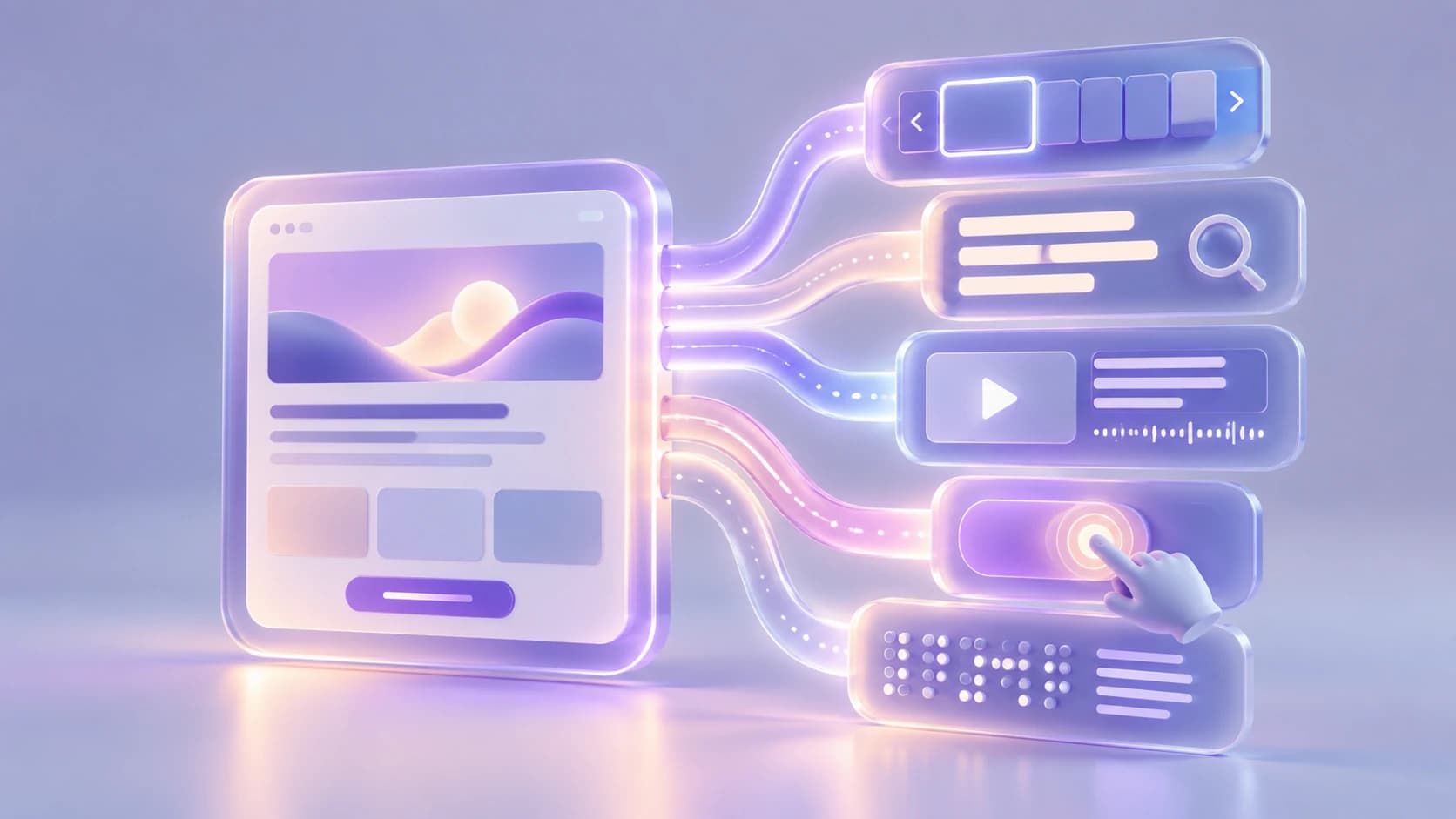
One digital experience can support different ways of perceiving, navigating, and interacting.
Common barriers on the web
Many accessibility barriers appear in ordinary parts of websites.
Text may have insufficient contrast. Images may be missing useful alternative text. Headings may be structured incorrectly. Form fields may not have proper labels. Keyboard focus may be invisible or certain controls may only work with a mouse.
Videos may lack captions, links may be vague, and interactive components such as menus or modals may behave unpredictably.
Individually, these issues can look minor. Together, they can determine whether someone is able to access information, complete a form, make a purchase, donate, apply for a service or contact an organization.
This is why accessibility is often easier to understand in terms of barriers rather than features.
The important question is not whether a website “has accessibility,” but whether anything in the experience prevents someone from using it effectively.
Accessibility is not only about screen readers
Screen readers are one of the best-known assistive technologies, and they are an important part of accessibility. They allow many blind and low-vision users to navigate digital content through headings, landmarks, links, forms and other semantic structures.
But accessibility goes much further.
Some people use keyboards instead of mice. Others rely on voice control, switch devices, screen magnification, customized colors or reduced-motion settings. Captions and transcripts support people who cannot access audio content, while clear focus indicators and sufficiently large controls make interaction easier for many users.
There are also accessibility requirements that benefit people without requiring any assistive technology at all. Clear headings, predictable navigation, understandable instructions and logical page structures all contribute to a more usable experience.
Thinking only about screen readers can therefore narrow the problem too much. Accessibility is about supporting multiple ways of interacting with the same digital product.
Accessibility and inclusive design
Accessibility and inclusive design overlap, but they are not exactly the same thing.
Accessibility focuses specifically on barriers that affect people with disabilities. Inclusive design looks at a broader range of human diversity and circumstances, which can include disability alongside factors such as language, age, education, connectivity or access to technology.
W3C describes accessibility, usability and inclusion as closely related disciplines and notes that they work best when considered together.
A website can technically meet accessibility requirements while still being difficult to use in other ways. It might work with assistive technology but require too much bandwidth for its intended audience, or use language that is unnecessarily difficult to understand.
The strongest digital experiences consider both accessibility and the wider context in which people use technology.
Where WCAG fits
WCAG stands for the Web Content Accessibility Guidelines.
Developed through W3C, WCAG provides an internationally recognized standard for making digital content more accessible to people with disabilities. It covers areas such as text, images, audio, video, navigation, forms and the underlying code that defines how content behaves.
For organizations new to accessibility, WCAG can initially seem technical. It contains principles, success criteria and conformance levels, all supported by detailed documentation.
Its role becomes clearer when viewed as a shared framework for identifying and preventing accessibility barriers.
WCAG 2 is organized around four principles: digital content should be perceivable, operable, understandable and robust. These principles are then translated into specific criteria that teams can design for and test against.
The current recommended version is WCAG 2.2.
WCAG does not represent the entire idea of accessibility, but it gives designers, developers and organizations a common language for turning accessibility goals into practical requirements.
We will explore the standard in much more detail in a separate article.

Accessibility is built on principles that help digital experiences remain perceivable, operable, understandable, and robust.
Accessibility benefits everyone
Accessible design often improves the experience beyond the users who depend on it most.
Clear headings make content easier to scan. Good contrast improves readability in difficult lighting. Keyboard-compatible interfaces offer alternatives to pointer interaction. Captions make video content usable when audio is unavailable. Flexible layouts cope better with zoom, small screens and different device settings.
W3C also notes that accessible websites can improve usability across devices and benefit older people and users in changing circumstances.
Still, accessibility should not need to justify itself only through broader benefits.
Some features are necessary because particular users would otherwise be excluded entirely. That alone is reason enough to design for them.
The fact that accessible decisions frequently produce clearer and more robust digital products is an additional advantage.
Where should organizations start?
Accessibility can feel overwhelming when an organization first encounters it, especially if the website already exists.
A practical first step is simply to understand where barriers currently appear.
Automated tools can identify some problems quickly, but they cannot evaluate the whole experience. Basic manual checks, such as navigating the site with a keyboard, reviewing headings and forms or testing content at increased zoom, can reveal issues that automated tools miss.
More importantly, accessibility should begin influencing new work immediately. Design decisions about color, typography, navigation, content and component behavior can prevent many barriers before they are built.
Over time, accessibility becomes much easier to manage when it is treated as part of normal digital quality rather than as a separate task at the end of a project.
That means involving designers, developers, content teams and decision-makers rather than assigning accessibility to one person or one final audit.
Web accessibility ultimately determines whether people can independently access information, complete tasks and use digital services that increasingly form part of everyday life.
The question is not simply whether a website passes a technical test.
It is whether the product has been designed in a way that unnecessarily excludes some of the people it is meant to serve.
Keep reading

NGOs do not need to solve every accessibility issue at once. Start with critical services, set a baseline, stop creating new barriers and build a roadmap.

Accessibility
Accessibility debt: the problem nobody talks about
Accessibility debt builds up when an inaccessible decision repeats across components, content, code and processes. The longer it spreads, the more it costs.
If these challenges sound familiar, let’s talk about your context.
Start a conversation